Regenerated from
@manual-tagged Playwright tests on 2026-04-28T22:25:03.714Z. Do not edit by hand — every change belongs in a test.
Update display name
- Open Profile from the sidebar
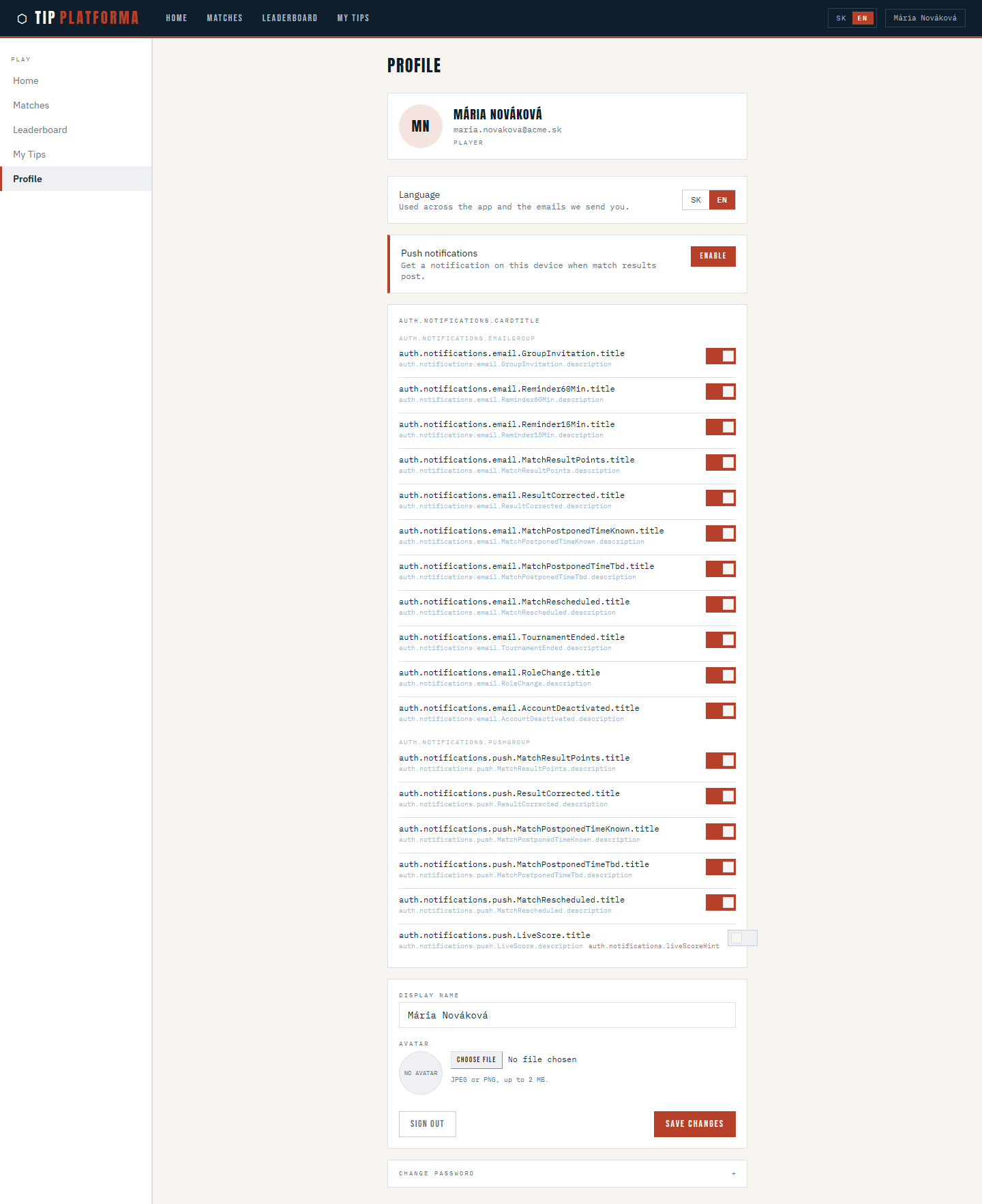
Klikni pre zvacsenie
- Change your display name to the form you prefer
- Save the profile updates
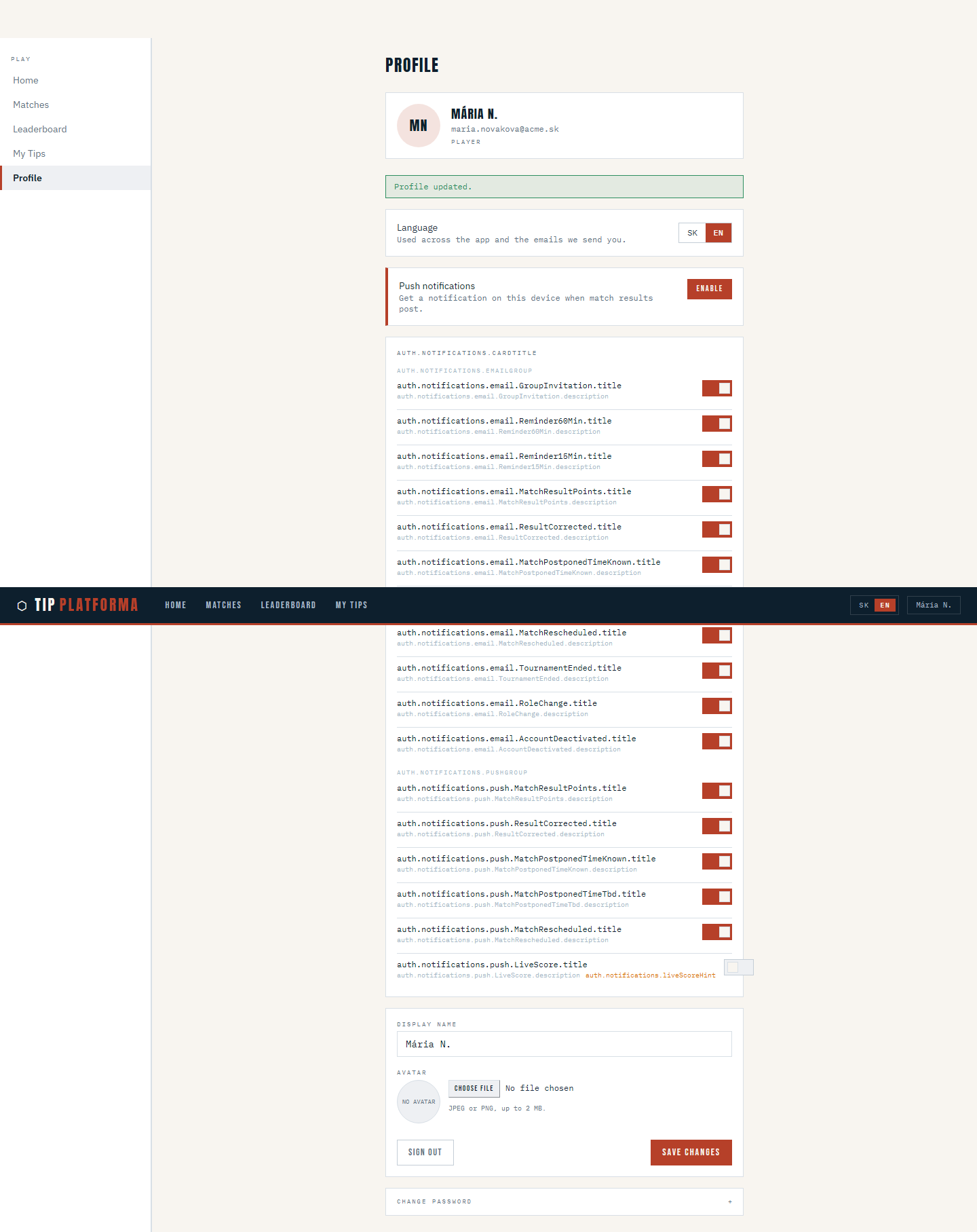
Klikni pre zvacsenie
- Open Leaderboard and confirm my row shows the new display name
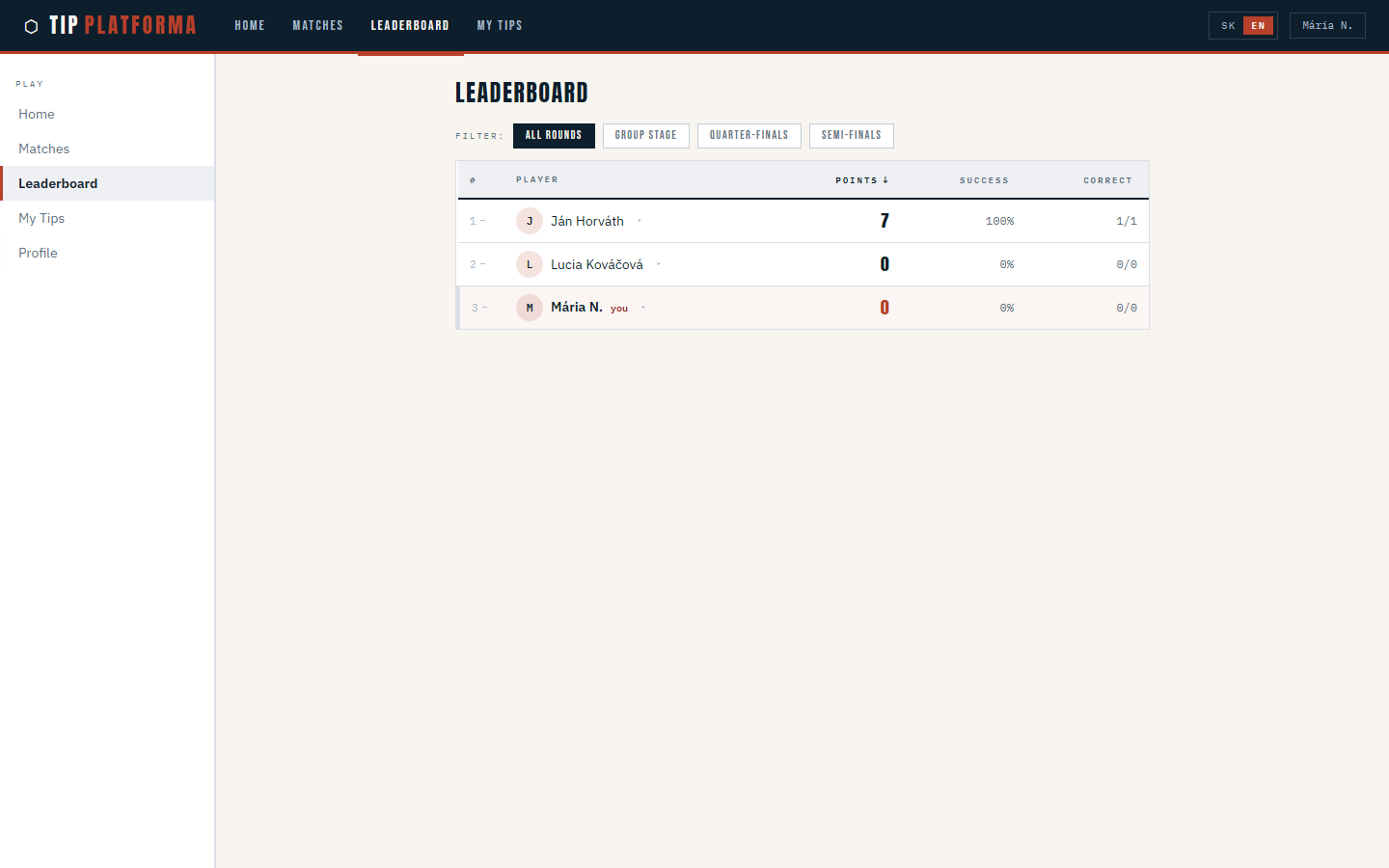
Klikni pre zvacsenie
Install TipPlatforma to the home screen
- Notice the Install app button in the top right of the header
Klikni pre zvacsenie
- Choose Install app and accept the browser’s install prompt
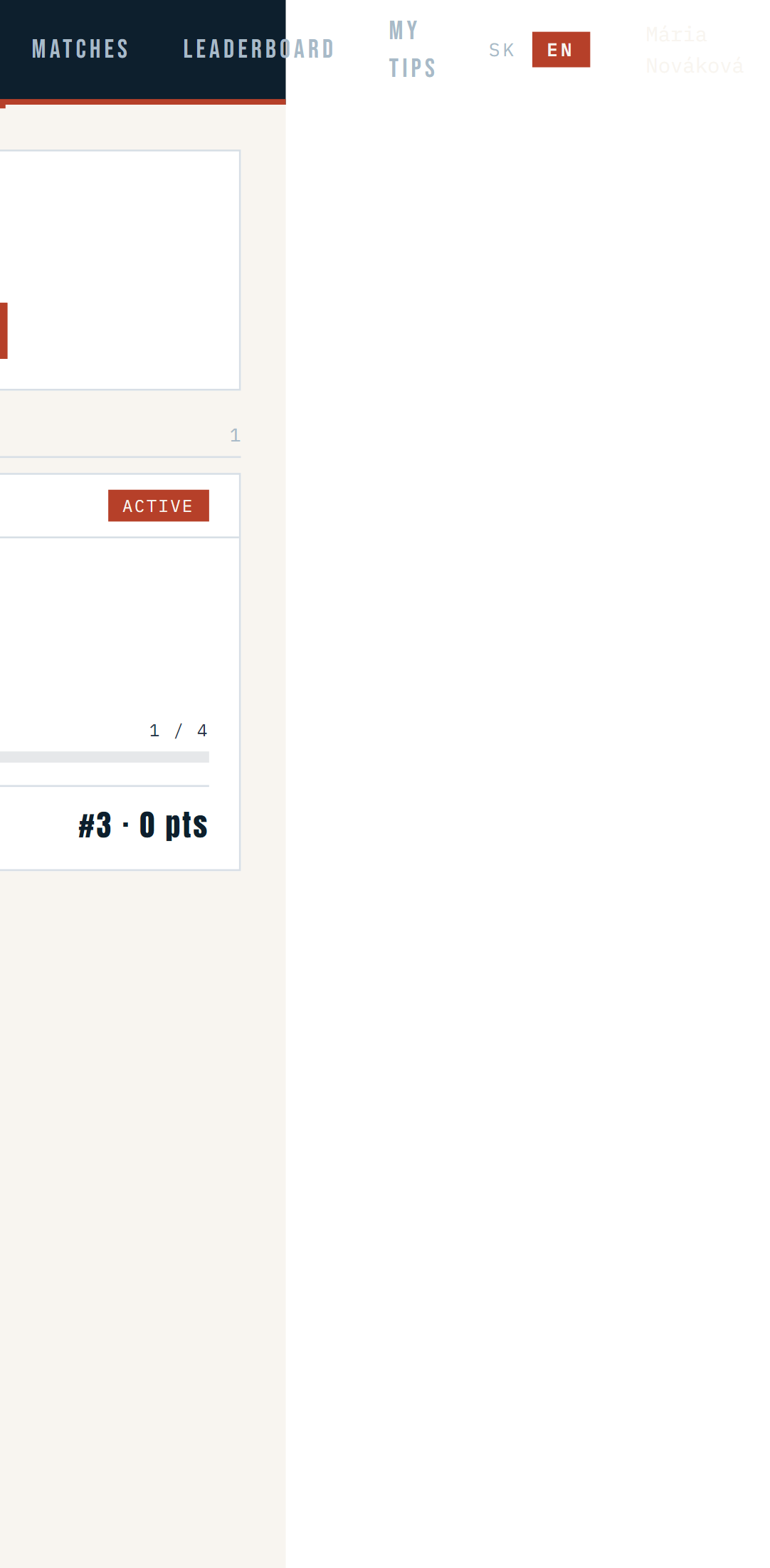
Klikni pre zvacsenie
- Close the browser tab.
- Open TipPlatforma from the new icon on my device home screen.
- Confirm the app opens without the browser address bar and goes straight to Matches.
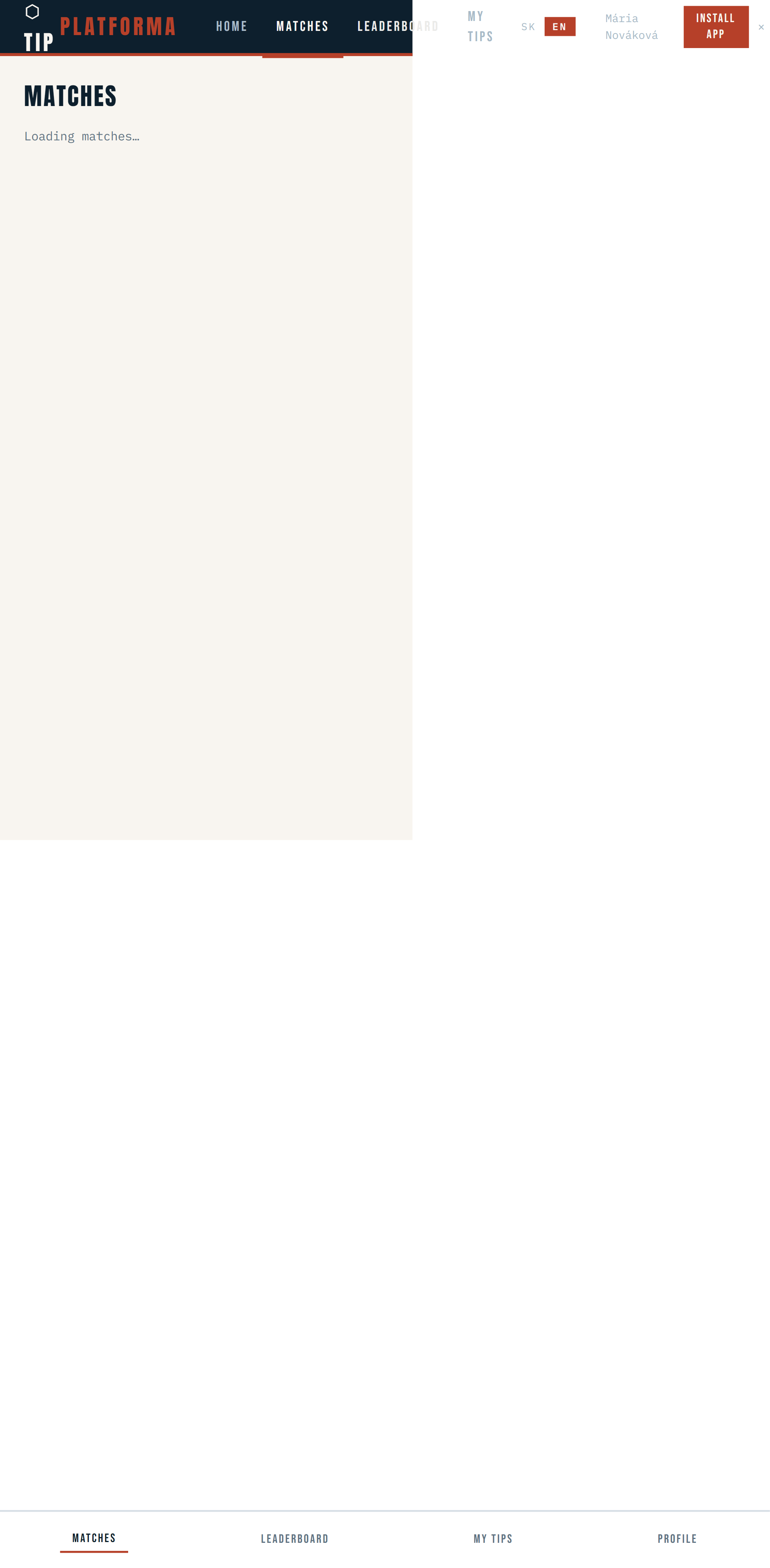
Klikni pre zvacsenie
Sign out on a shared device
- Open Profile from the sidebar
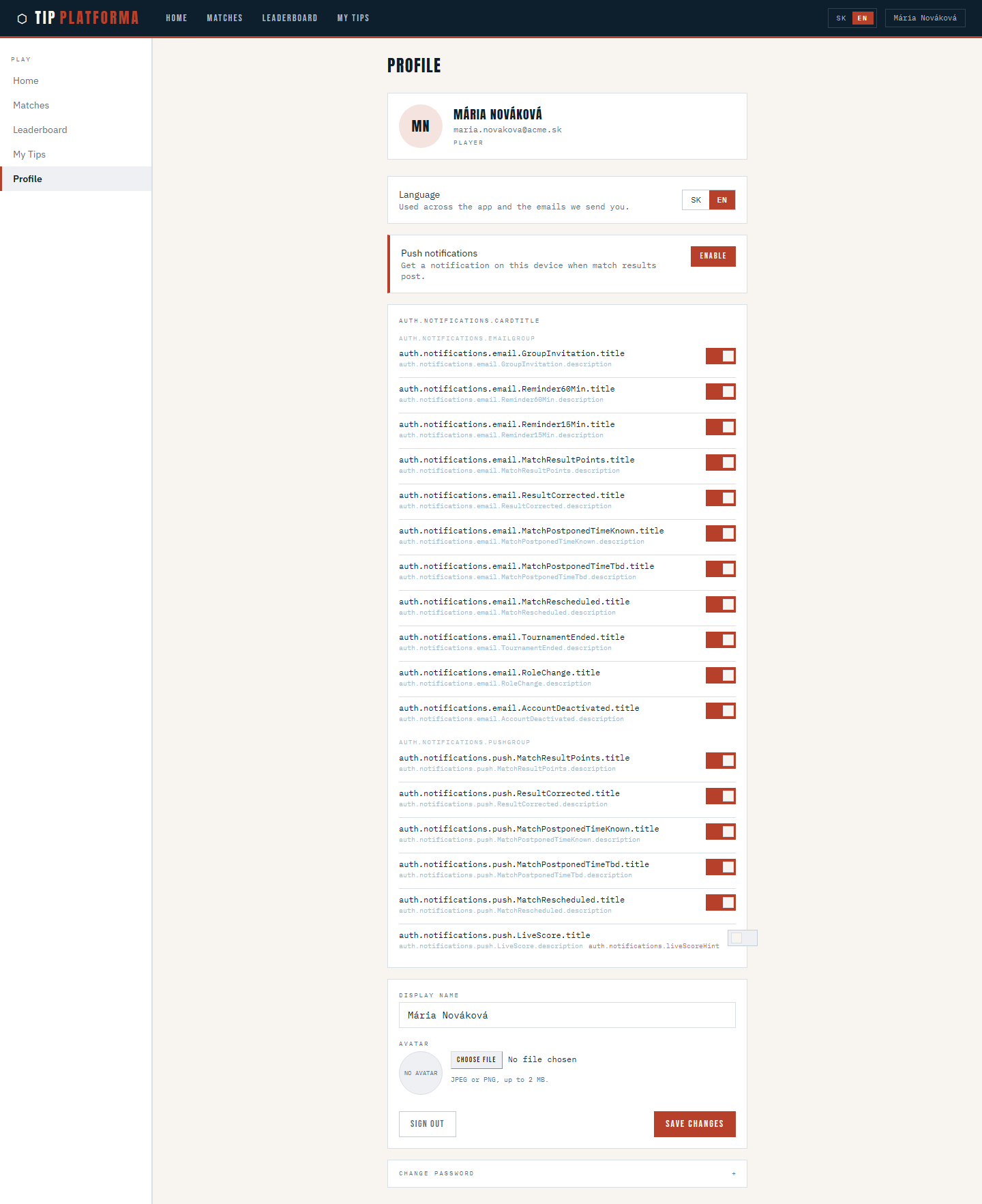
Klikni pre zvacsenie
- Scroll to the bottom of the page to find the Sign out button
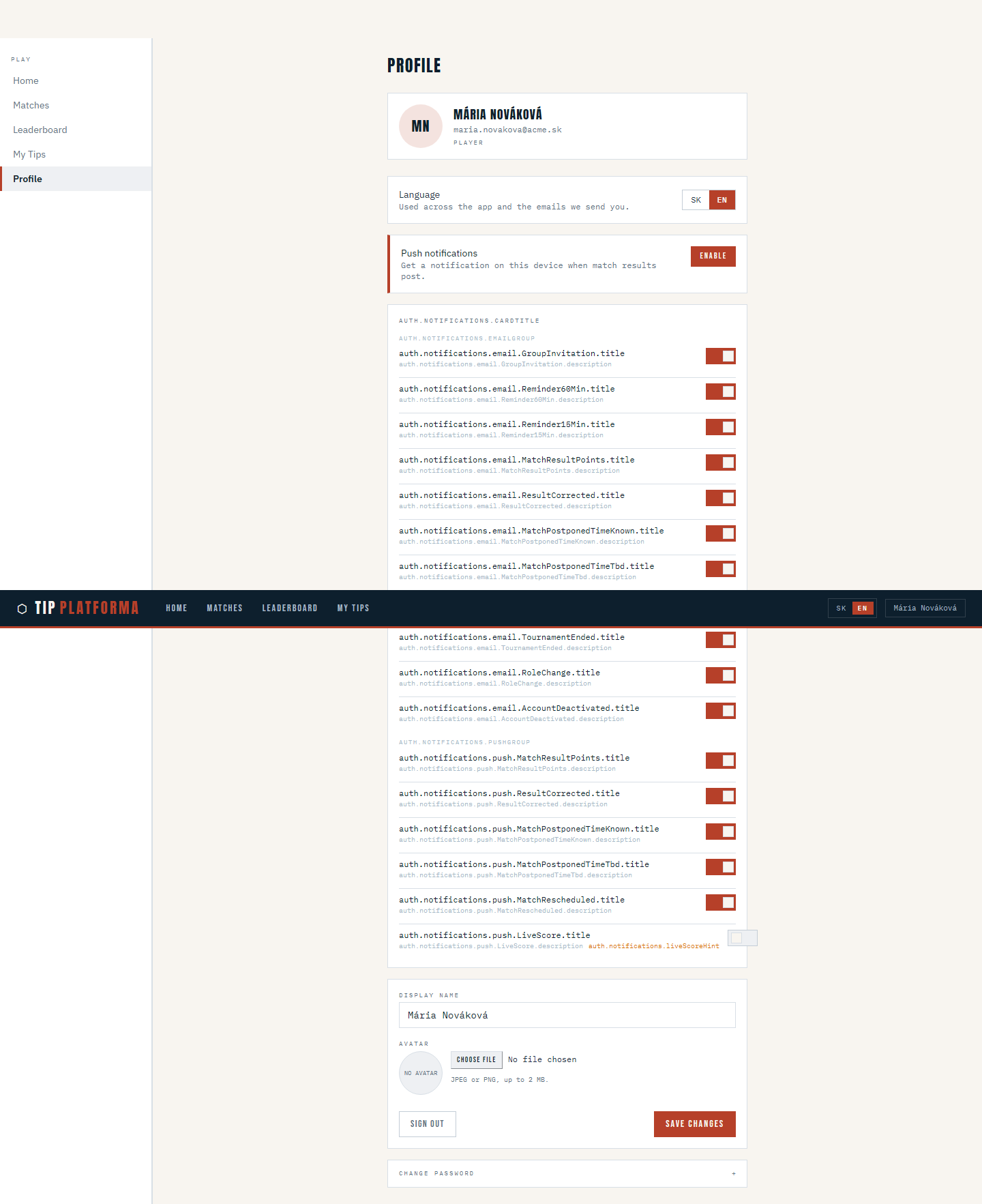
Klikni pre zvacsenie
- Sign out
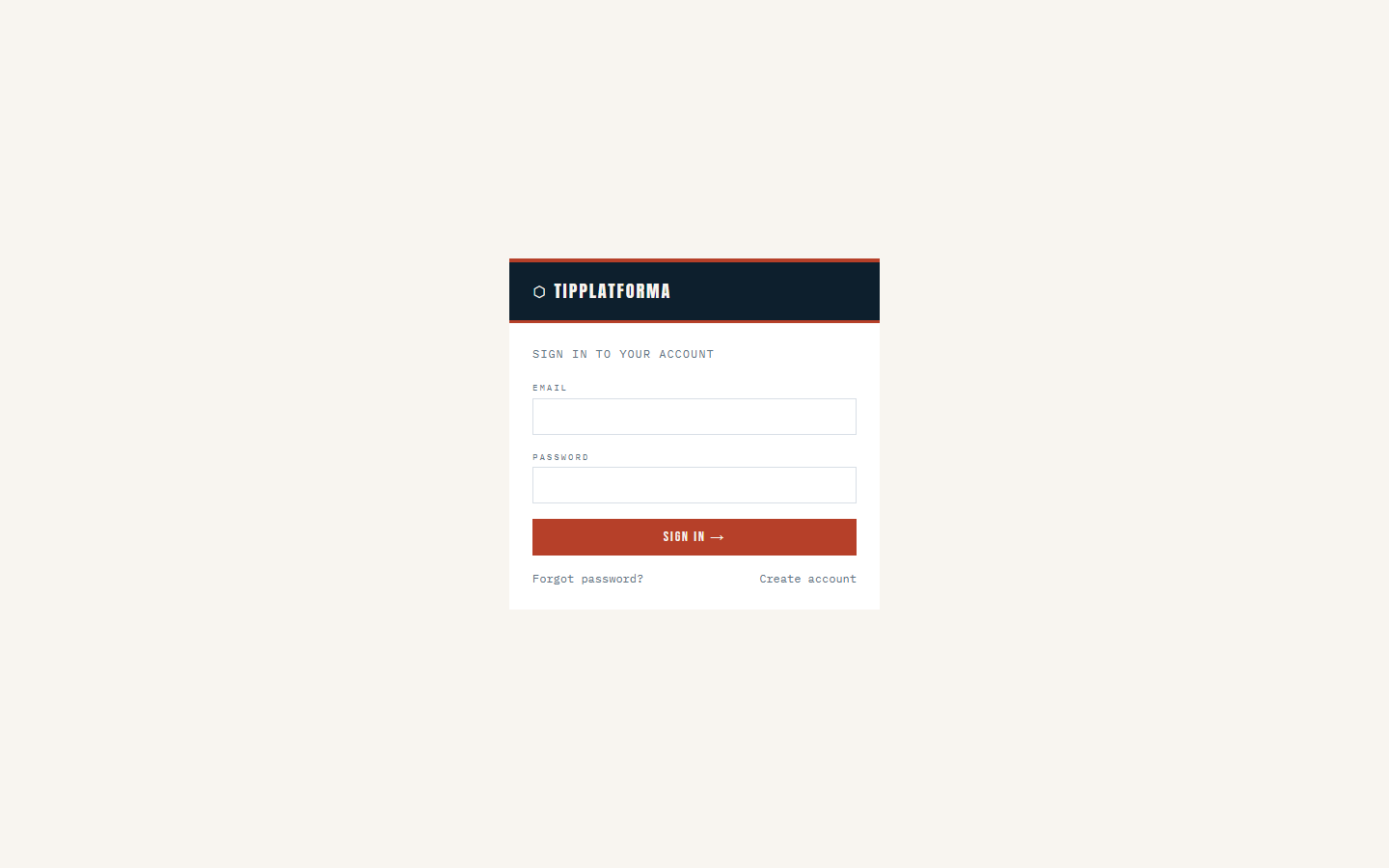
Klikni pre zvacsenie
- Confirm reopening a protected page would prompt me to sign in again
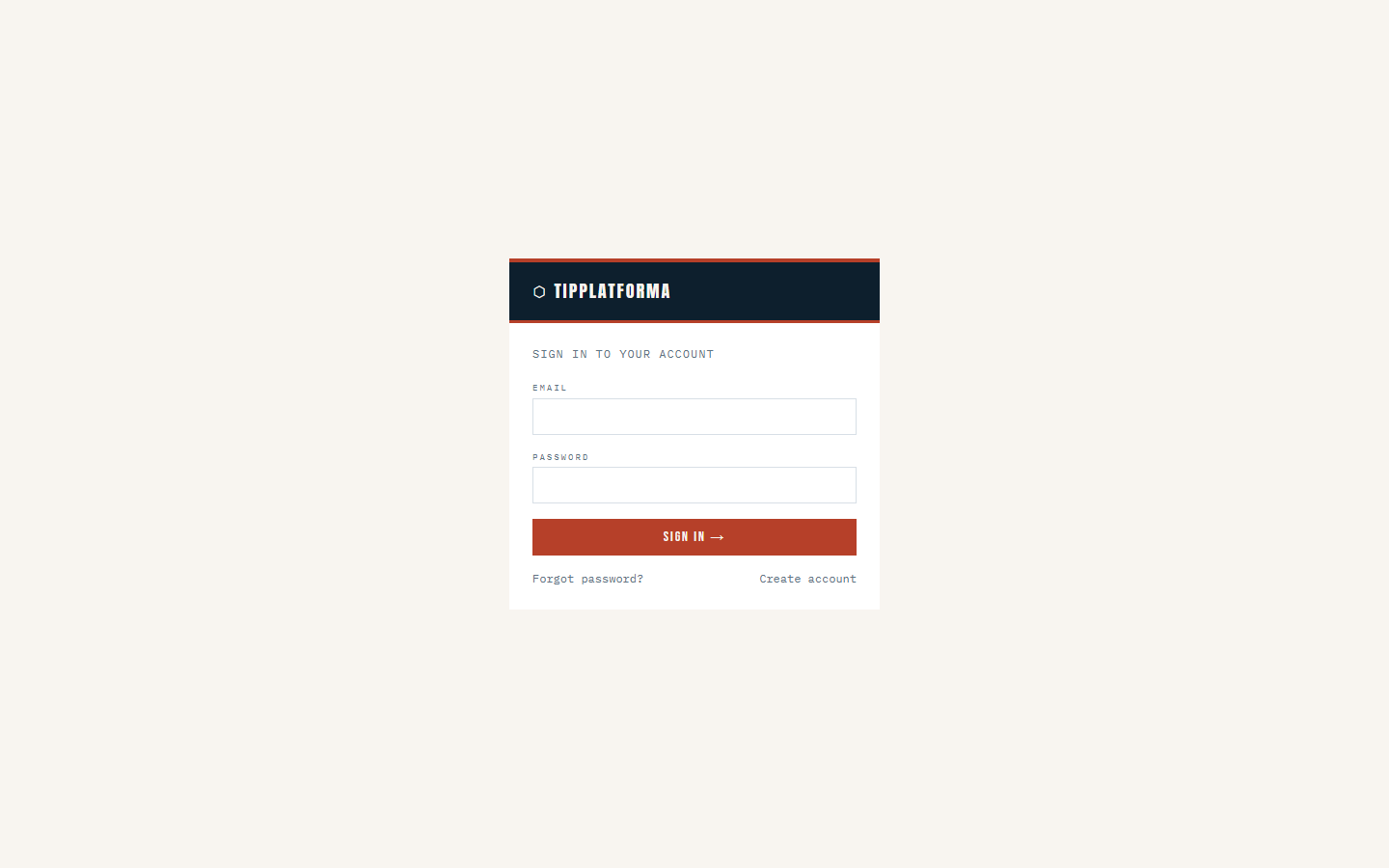
Klikni pre zvacsenie