Regenerated from
@manual-tagged Playwright tests on 2026-04-28T22:25:03.712Z. Do not edit by hand — every change belongs in a test.
Regenerate the invite link
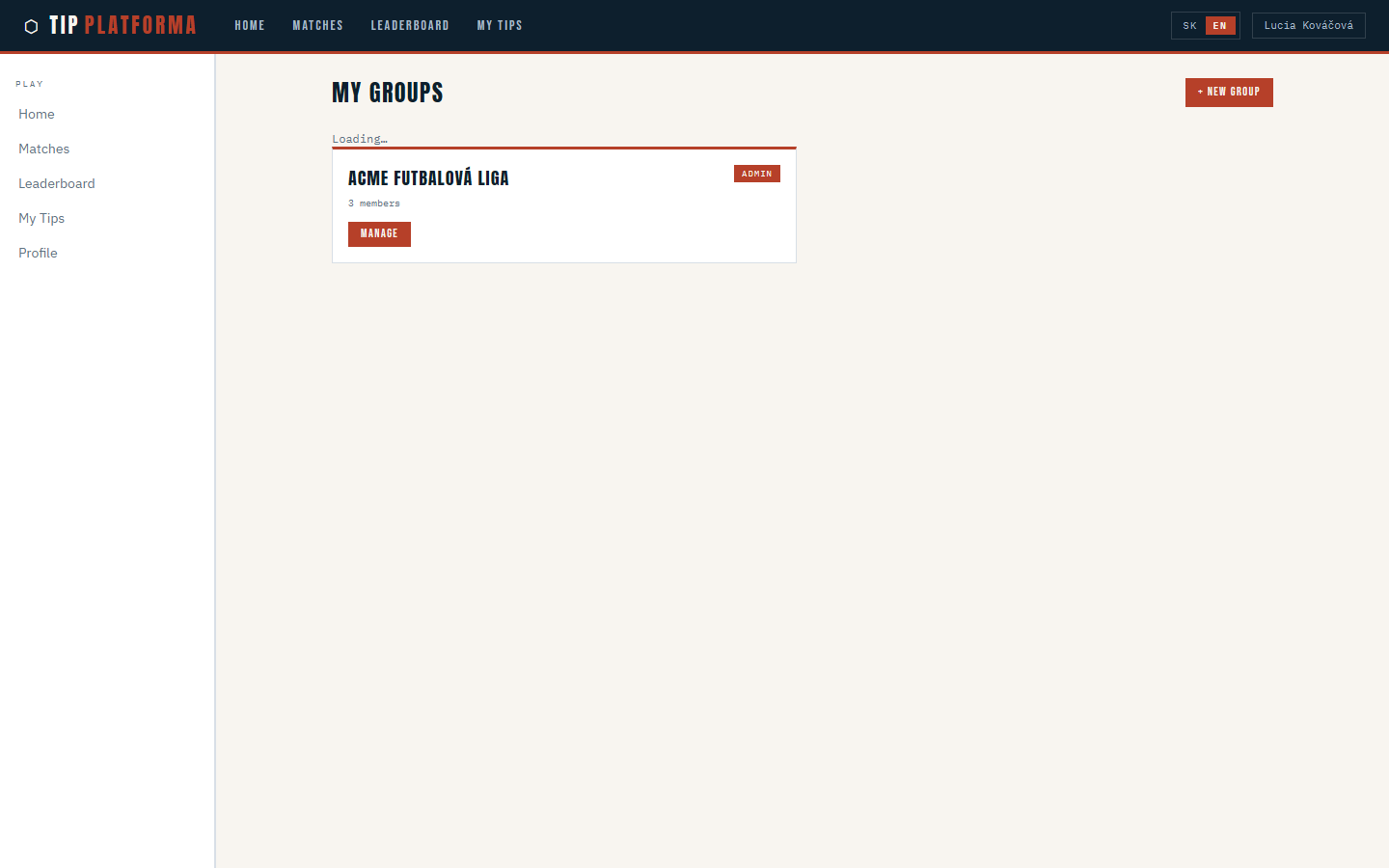
- Open My Groups and pick ACME Futbalová liga
Klikni pre zvacsenie
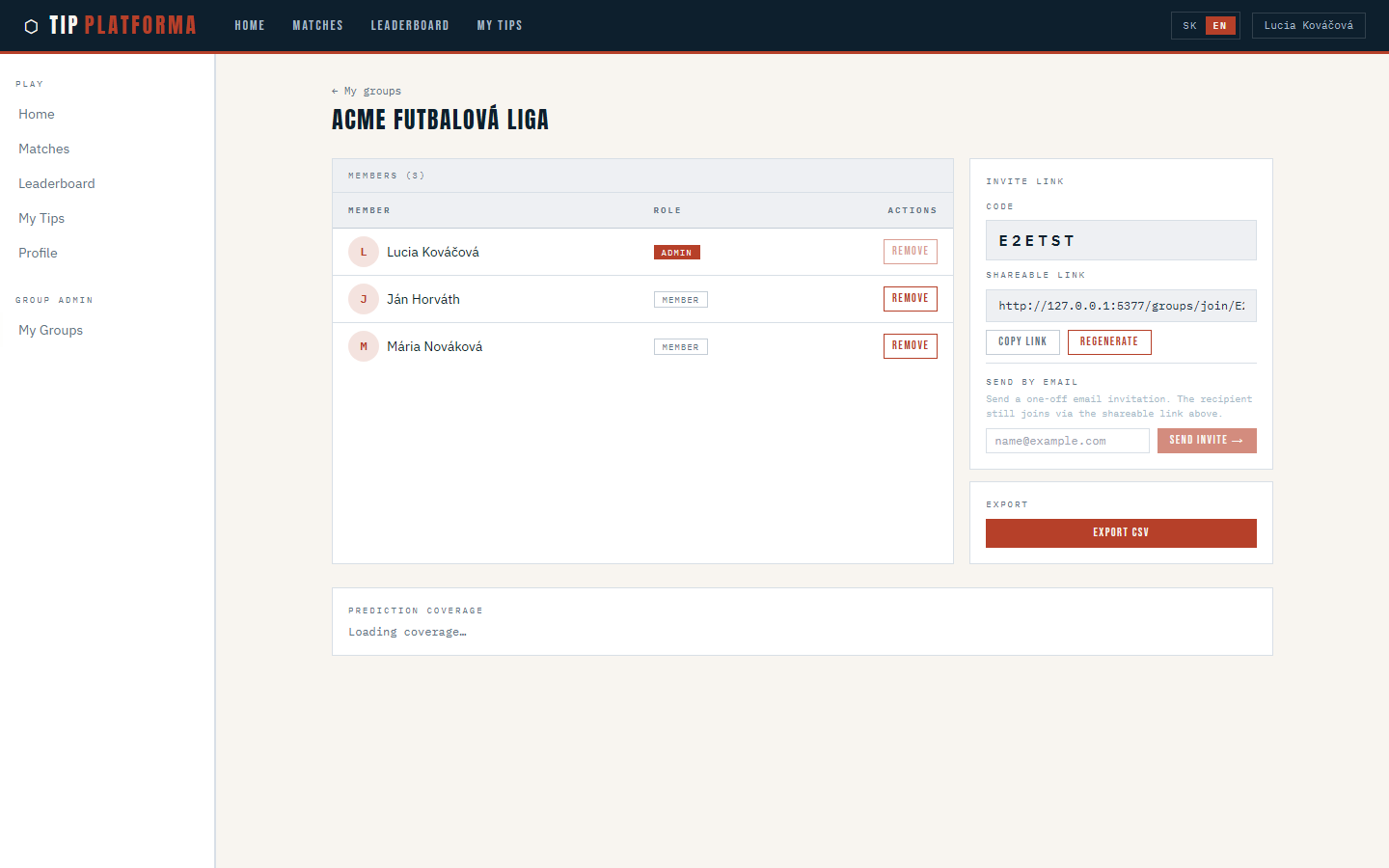
- Find the invite link field on the manage page
Klikni pre zvacsenie
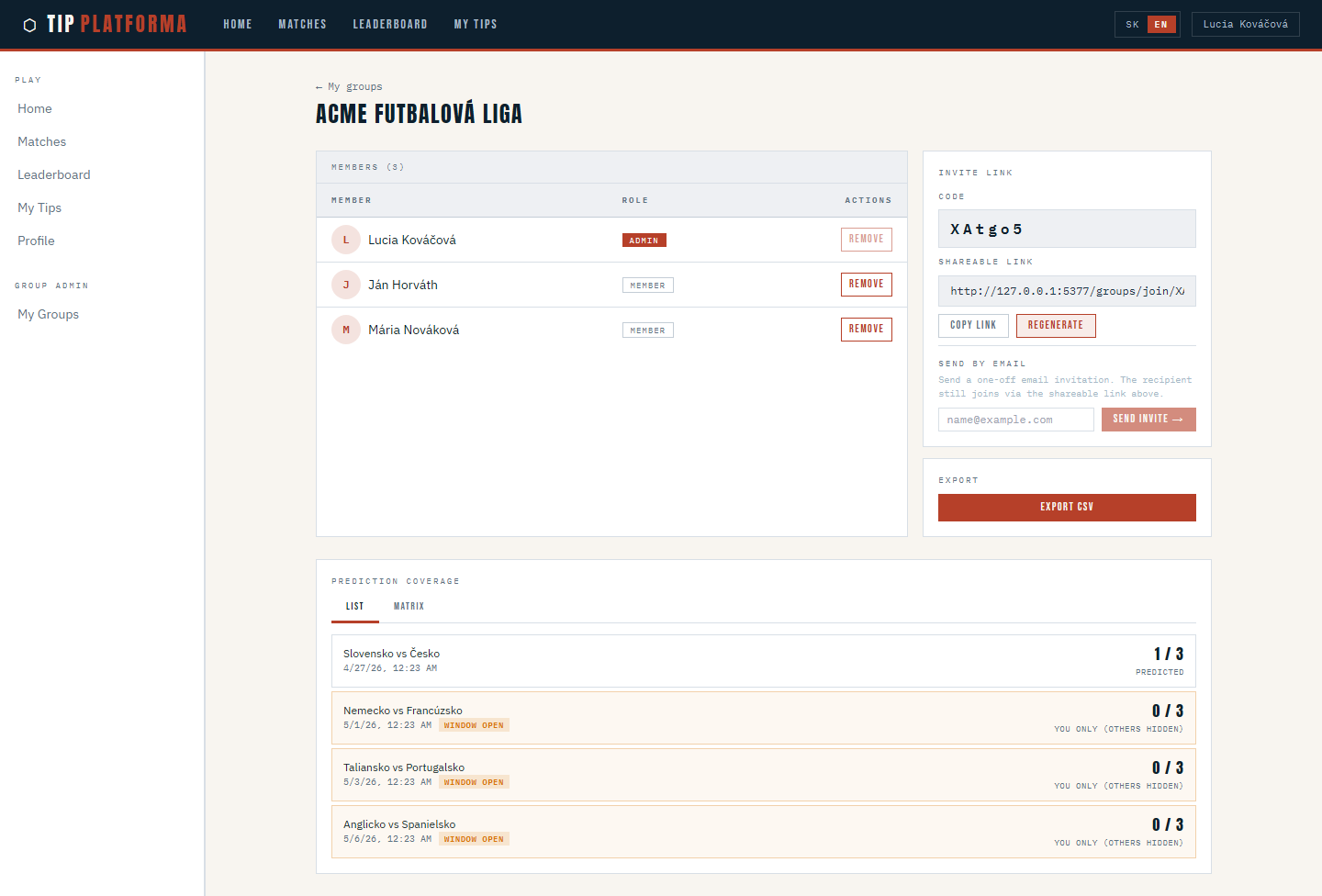
- Regenerate the invite link and confirm the action
- Confirm the displayed link has changed
Klikni pre zvacsenie
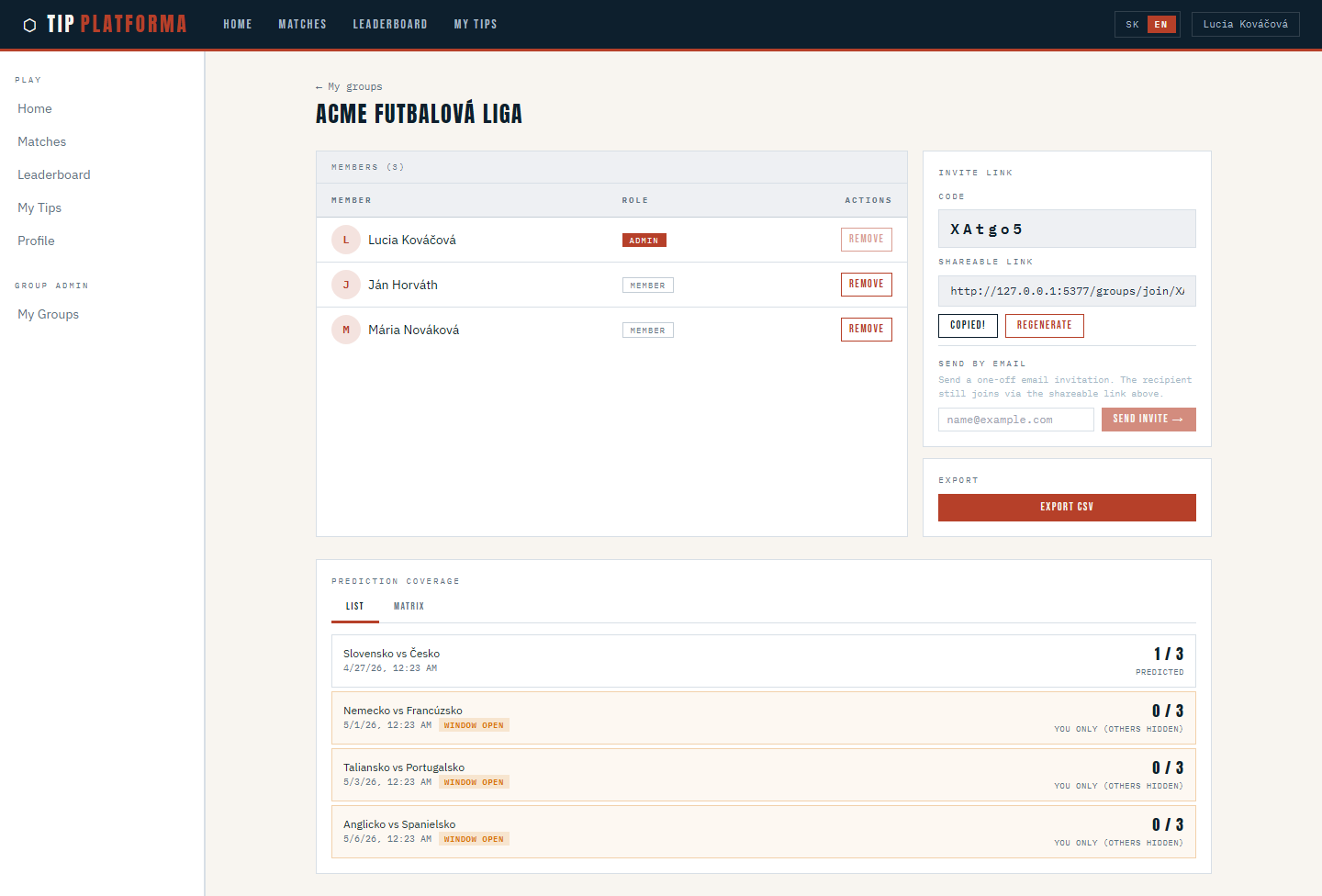
- Copy the new link to share with trusted recipients
Klikni pre zvacsenie
Remove a member from the group
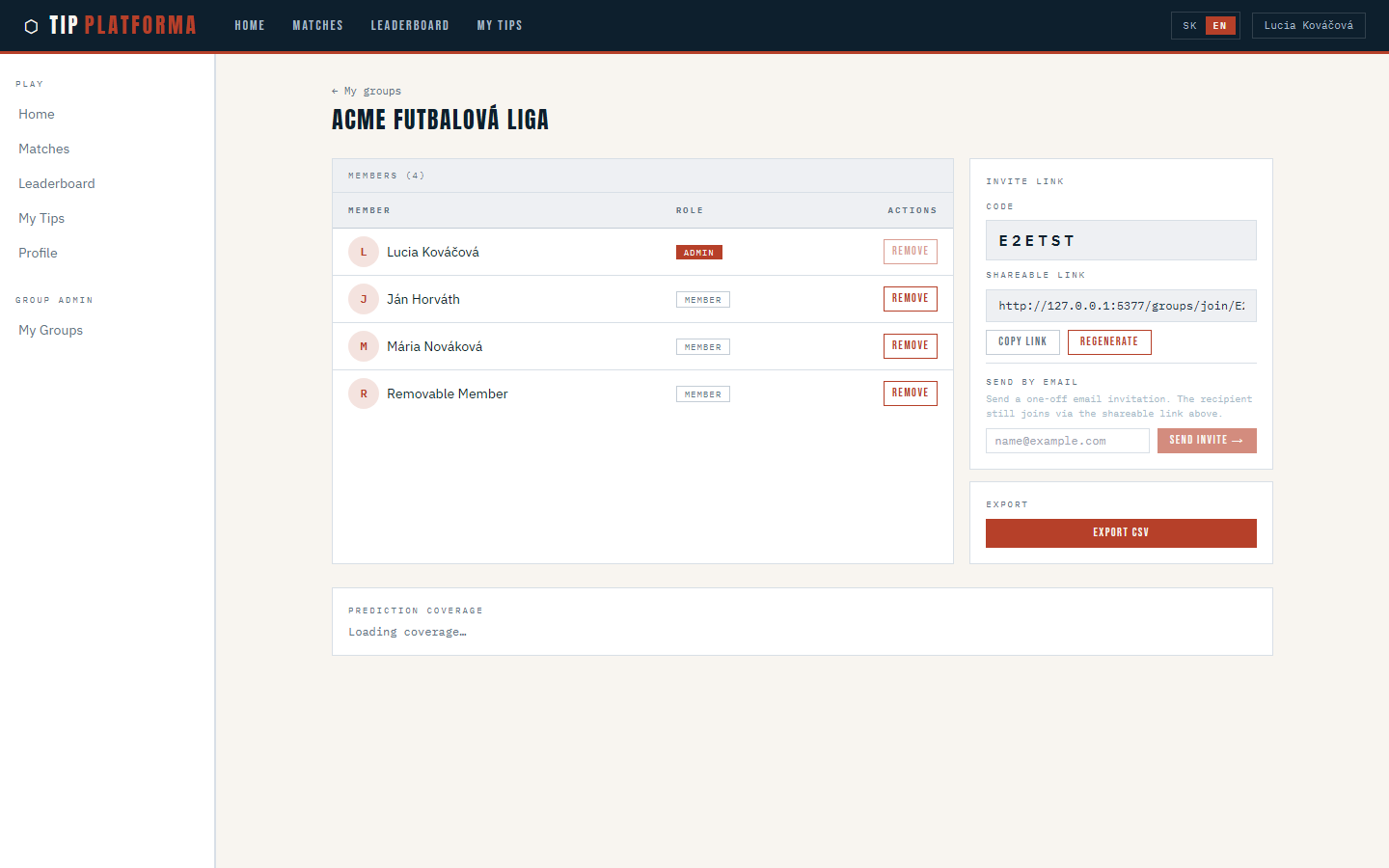
- Open the group's manage page
- Scroll to the members table
Klikni pre zvacsenie
- Find the member you want to remove

Klikni pre zvacsenie
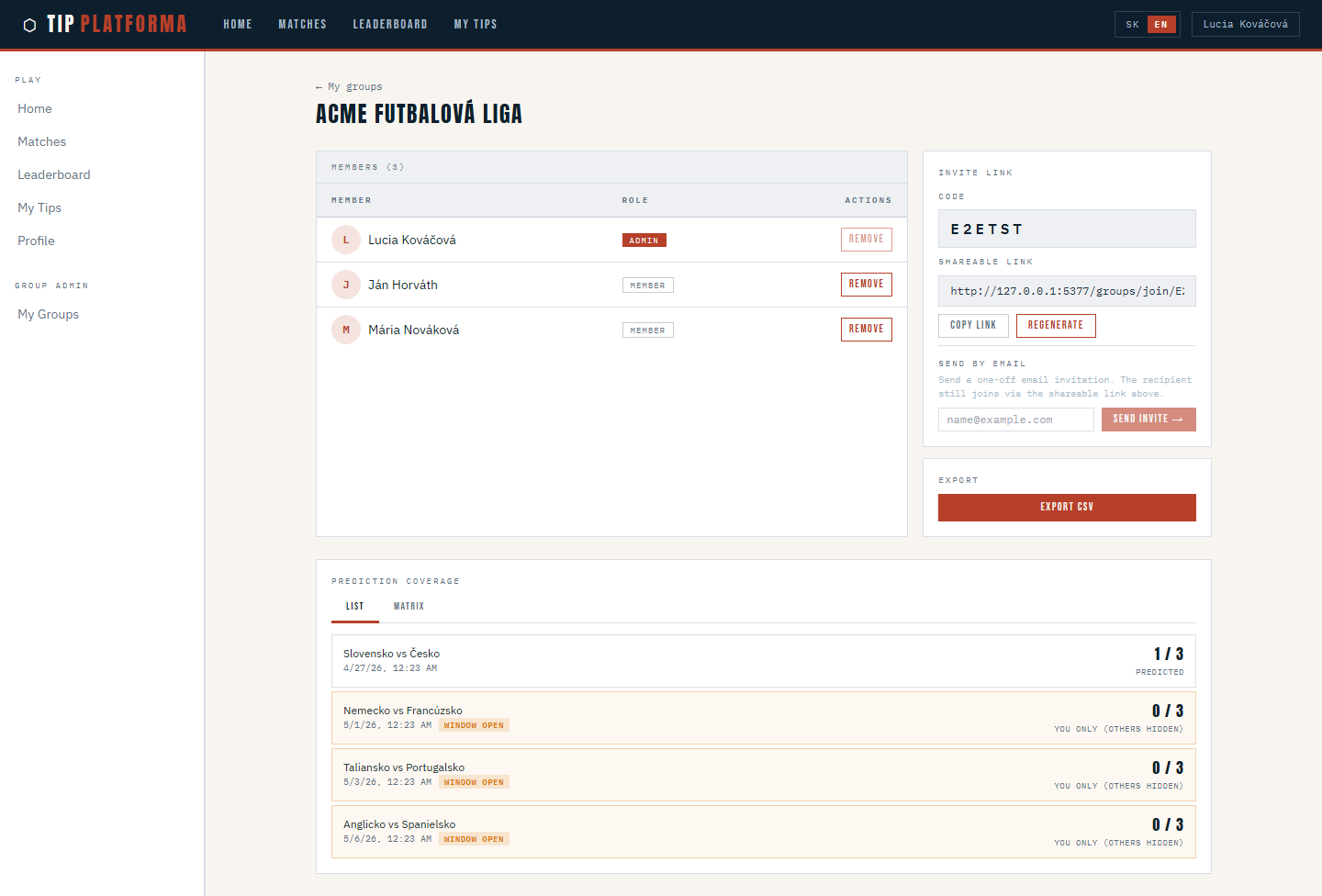
- Remove them from the group and confirm the action
- Confirm the member count has dropped by one and my admin row is still safe
Klikni pre zvacsenie
Export group results as CSV
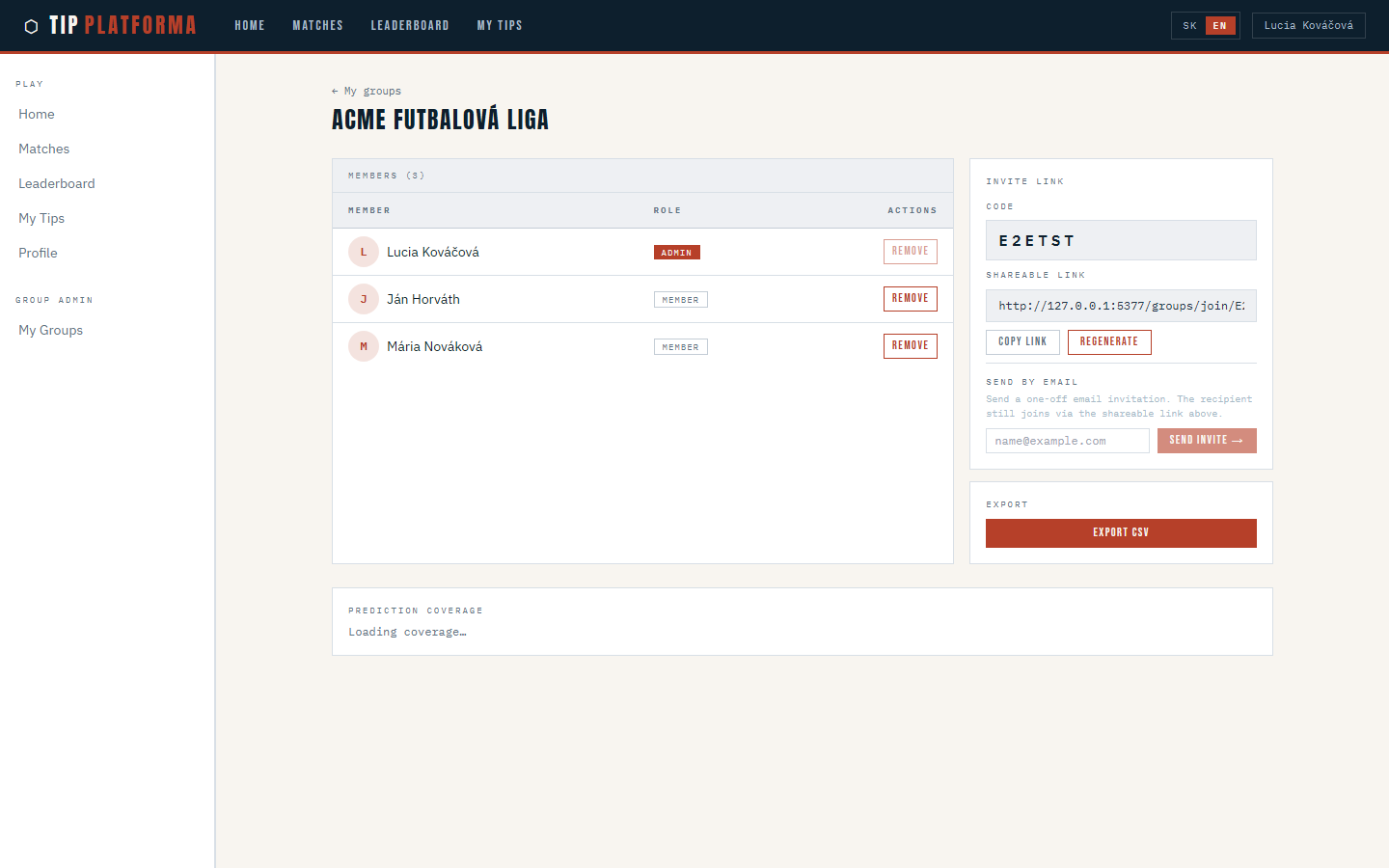
- Open the group's manage page
- Find the Export CSV action
Klikni pre zvacsenie
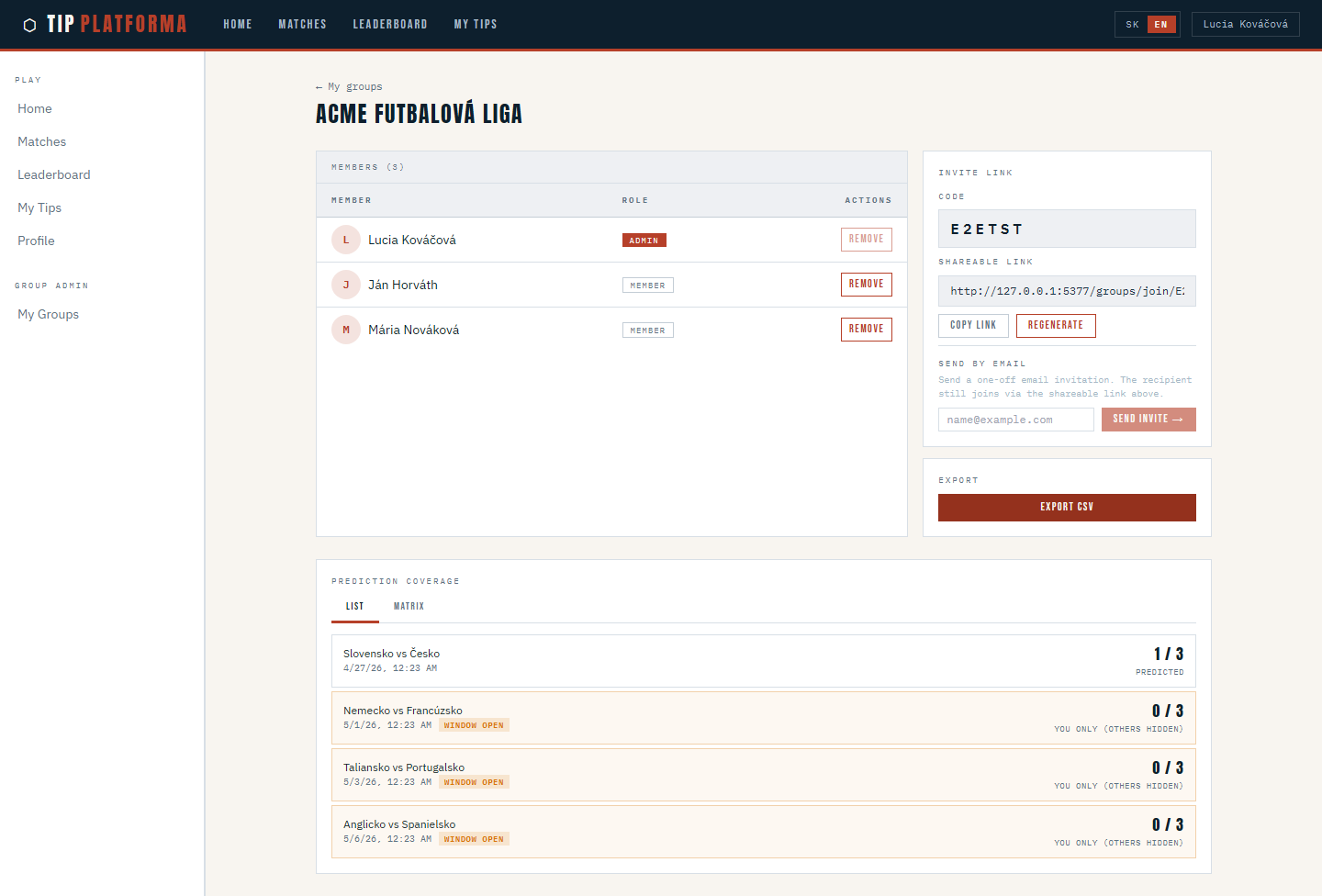
- Trigger the export
Klikni pre zvacsenie
- Save the file to my laptop
- Open it to confirm it contains predictions and final standings for your group
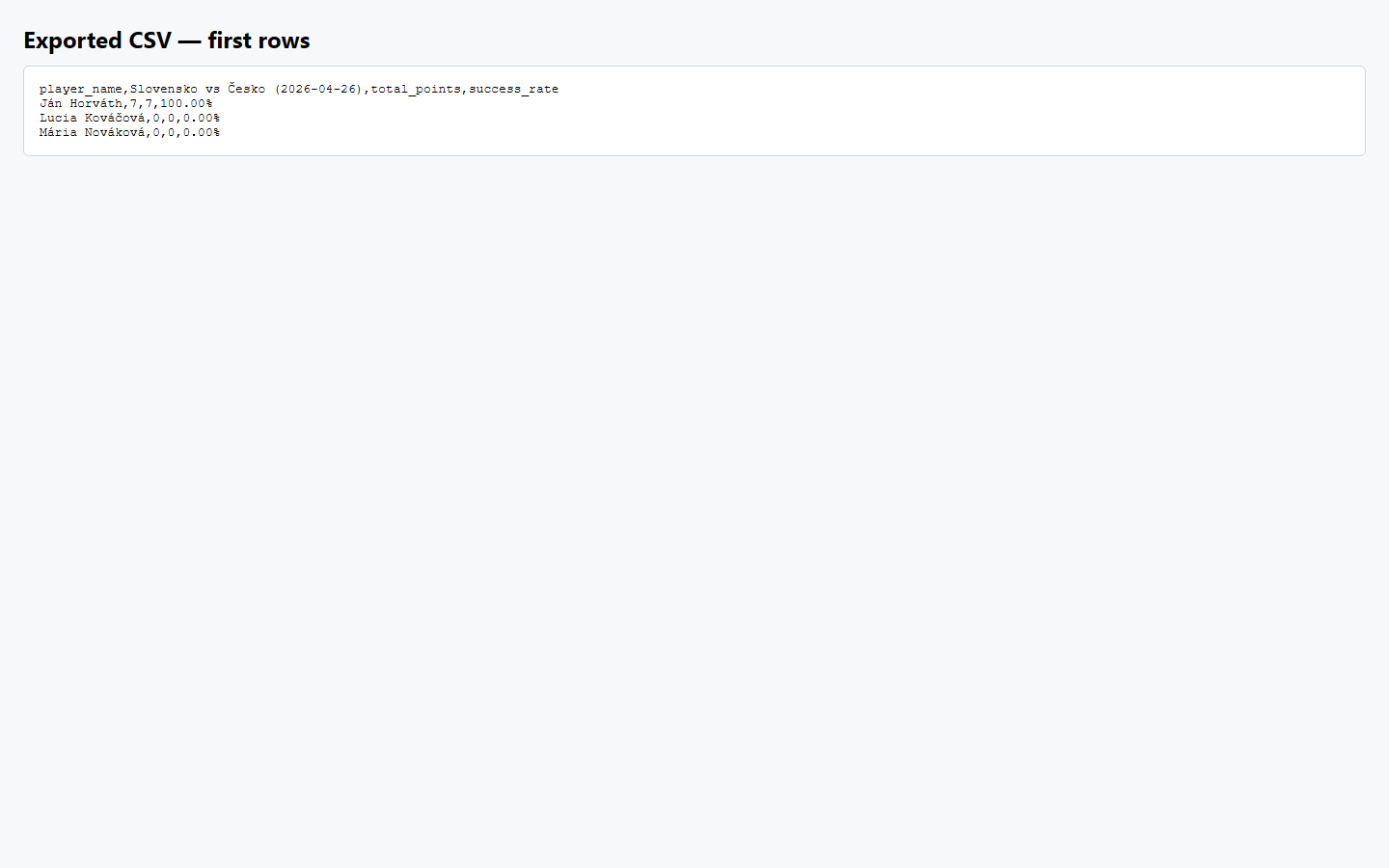
Klikni pre zvacsenie