Regenerated from
@manual-tagged Playwright tests on 2026-04-28T22:25:03.708Z. Do not edit by hand — every change belongs in a test.
Join via invite link
- Open the invite link Lucia shared in the office chat
Klikni pre zvacsenie
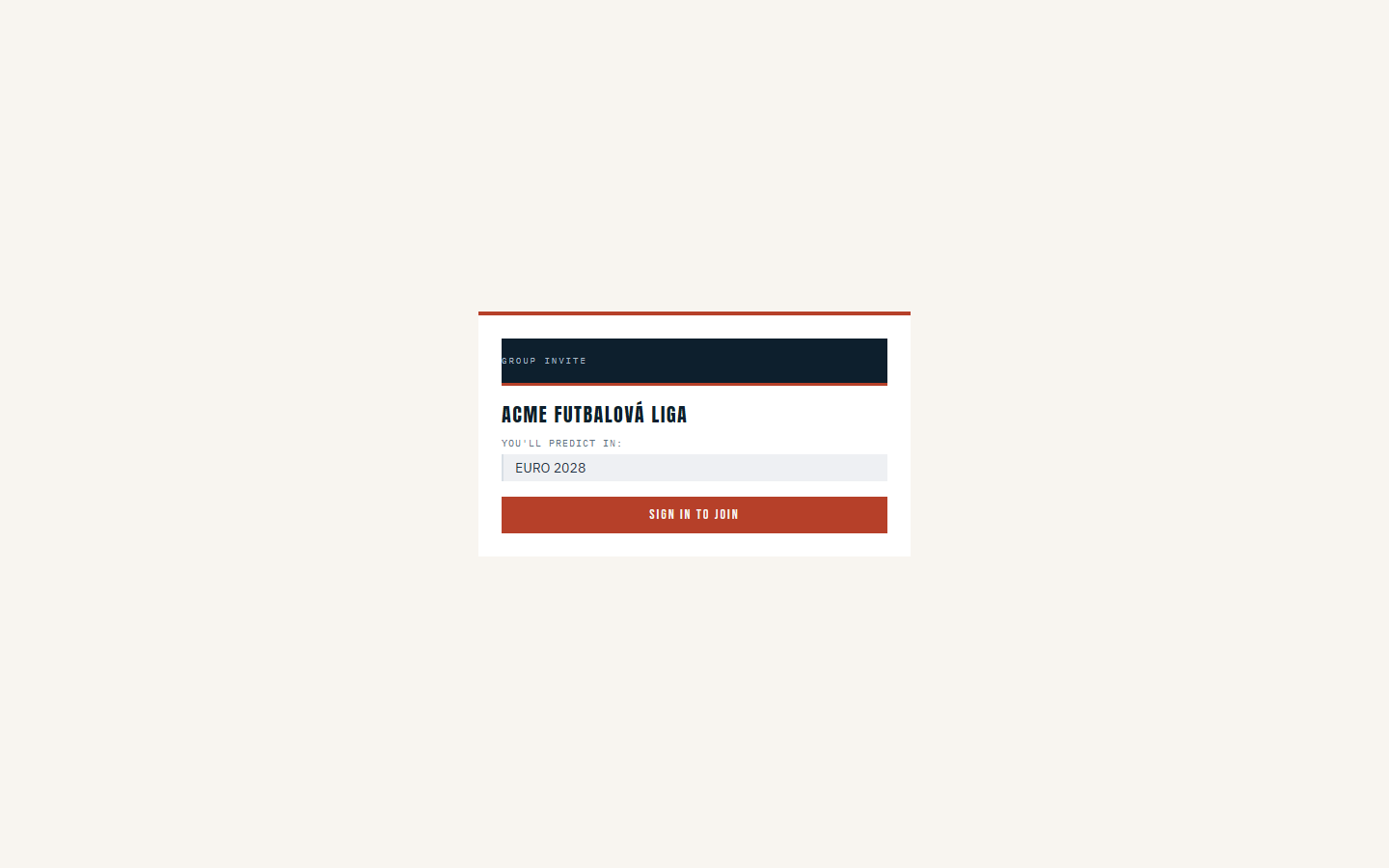
- Read the landing page — it confirms which group you are being invited into
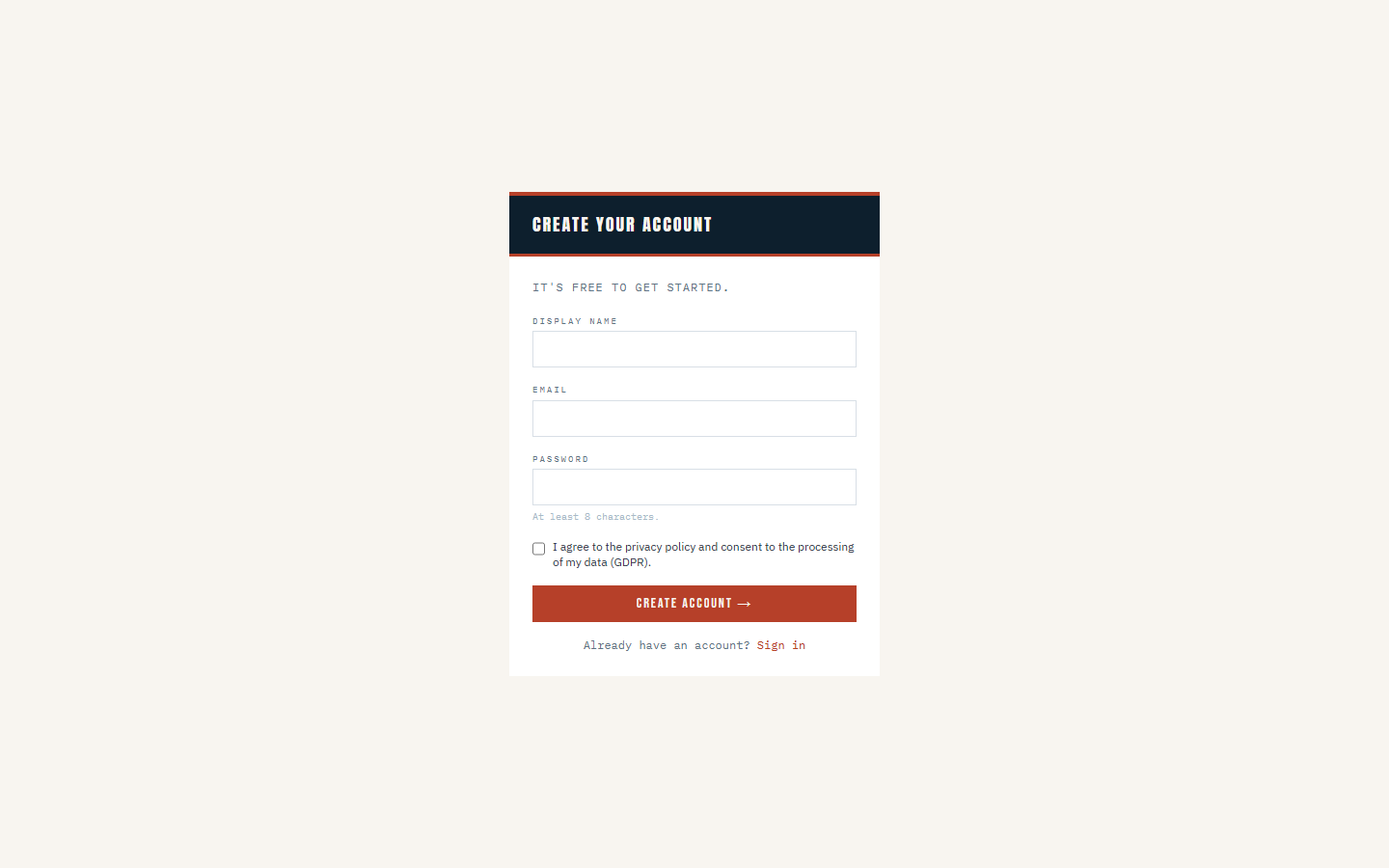
- Choose Create account because you are new here
Klikni pre zvacsenie
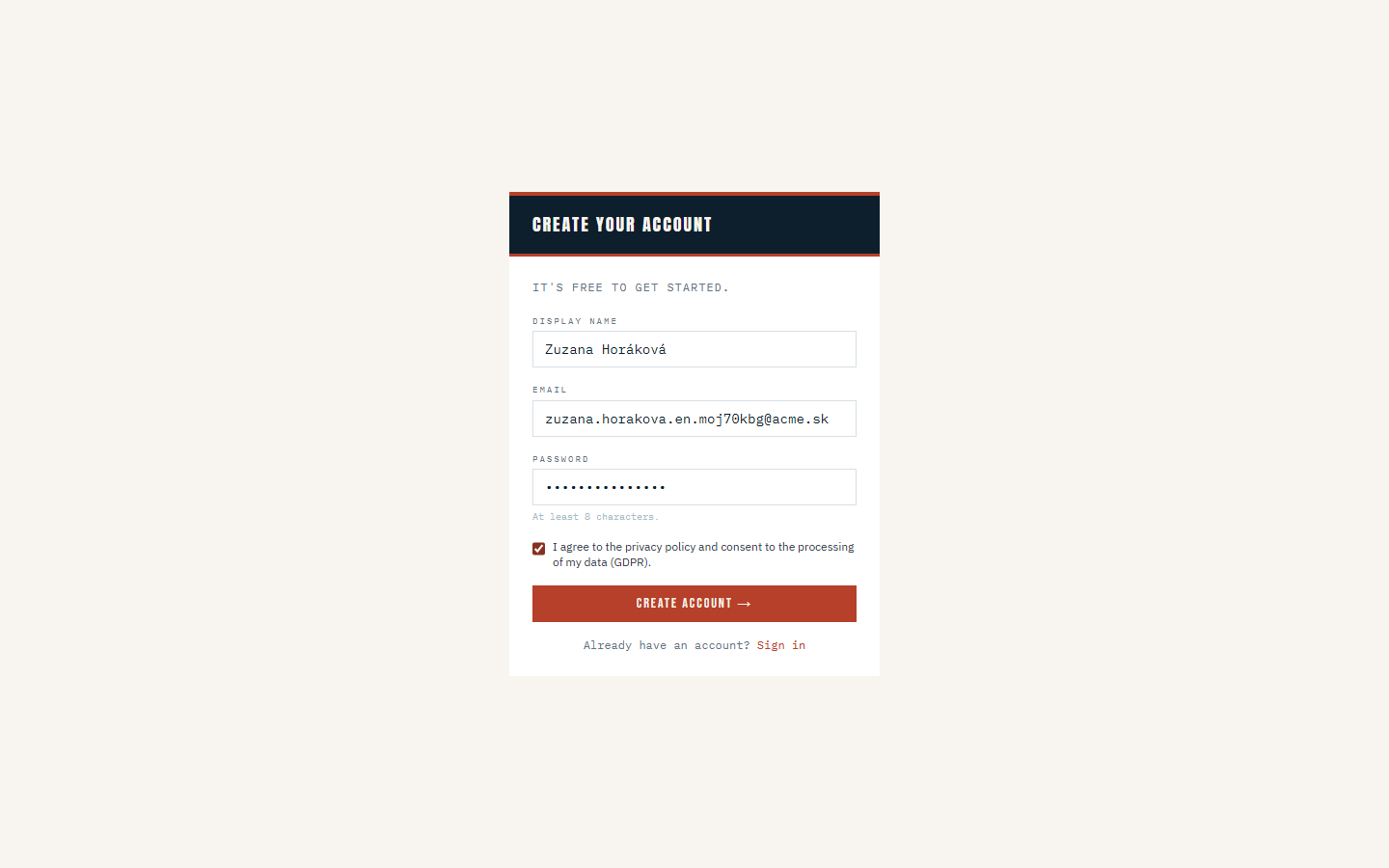
- Fill in your display name, email, and a password, then accept the privacy notice
Klikni pre zvacsenie
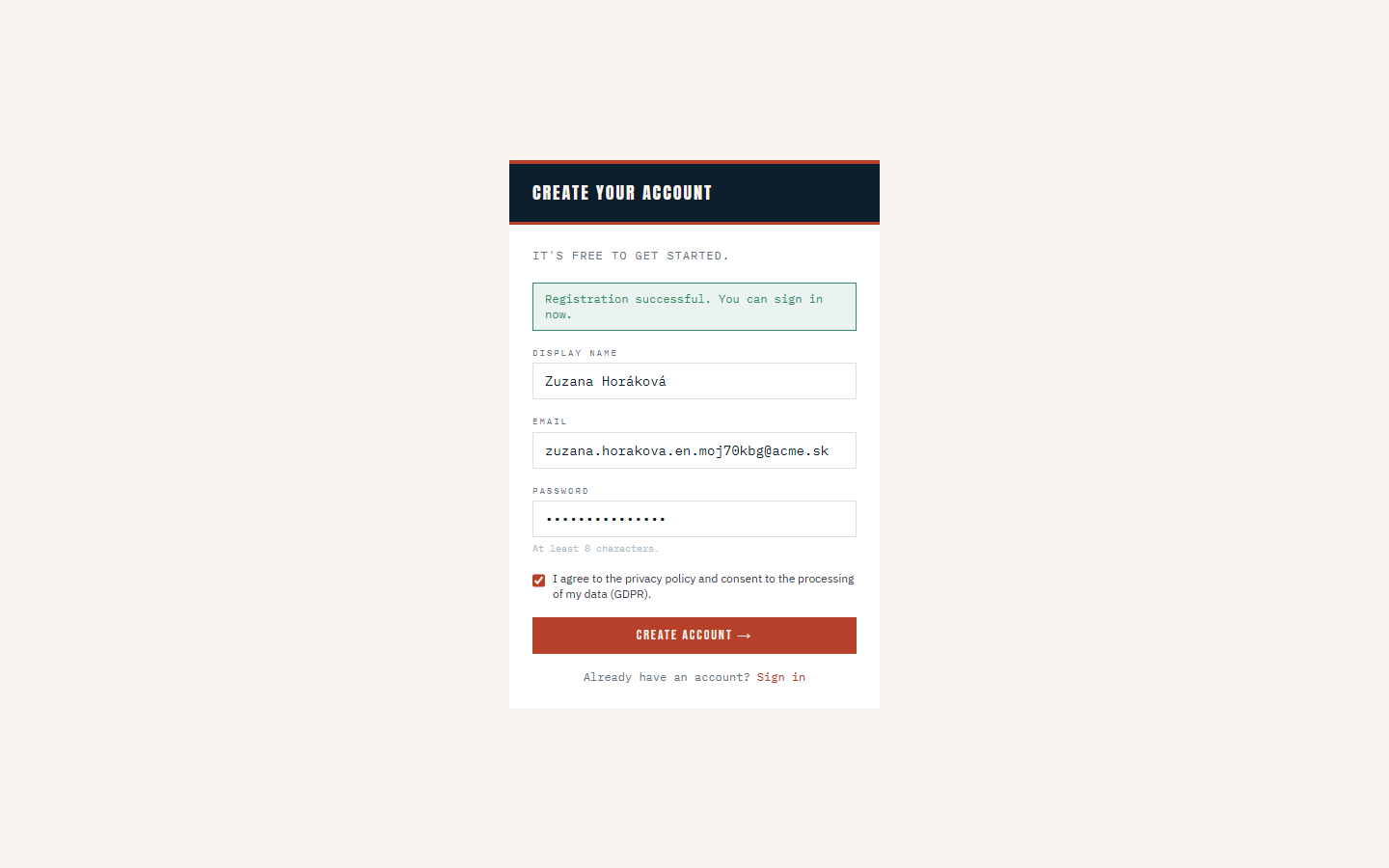
- Submit the registration and wait for the confirmation message
Klikni pre zvacsenie
- Sign in with the account you just created
- Confirm you are now a member of ACME Futbalová liga
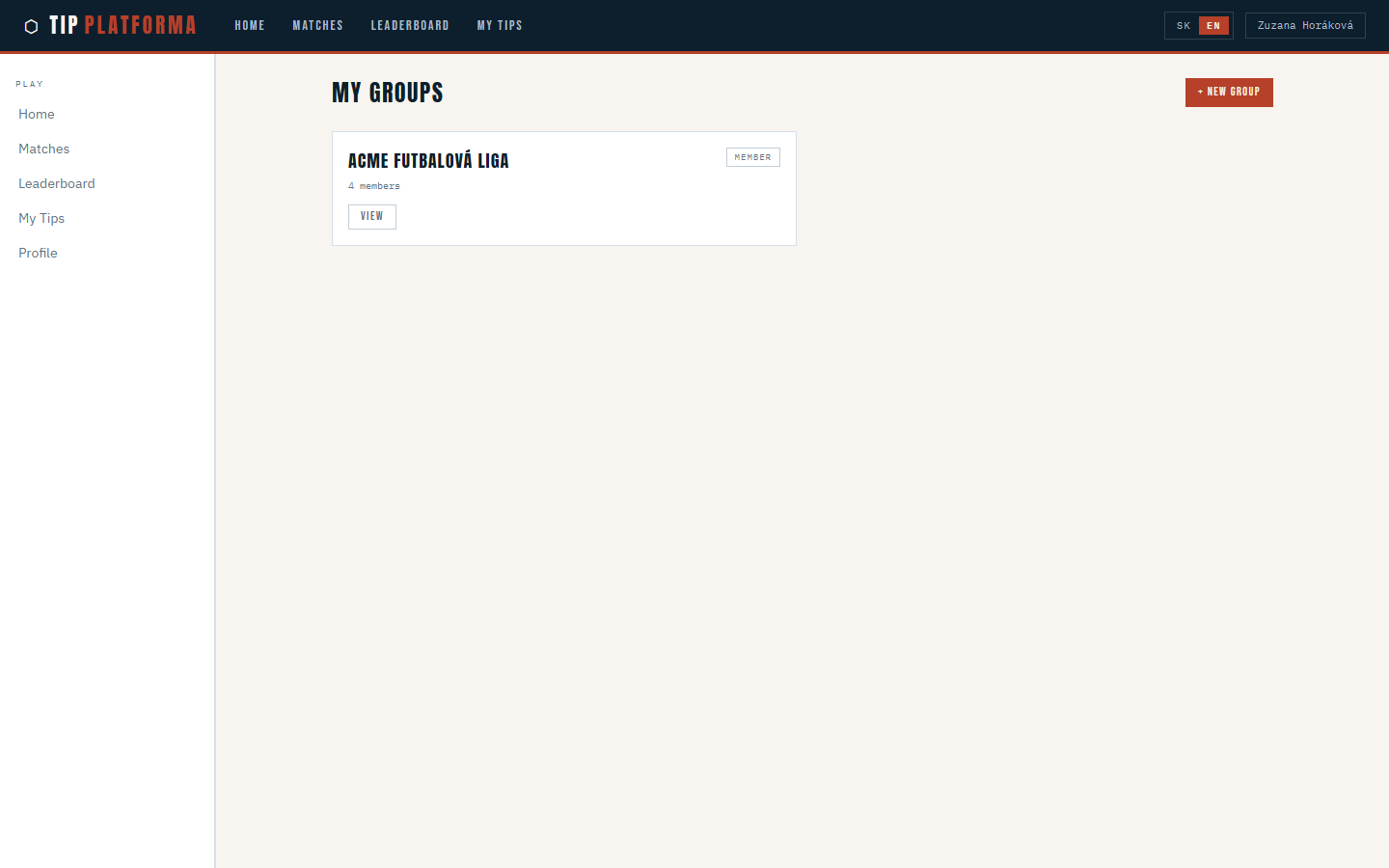
Klikni pre zvacsenie
- Open Matches and see the group you just joined
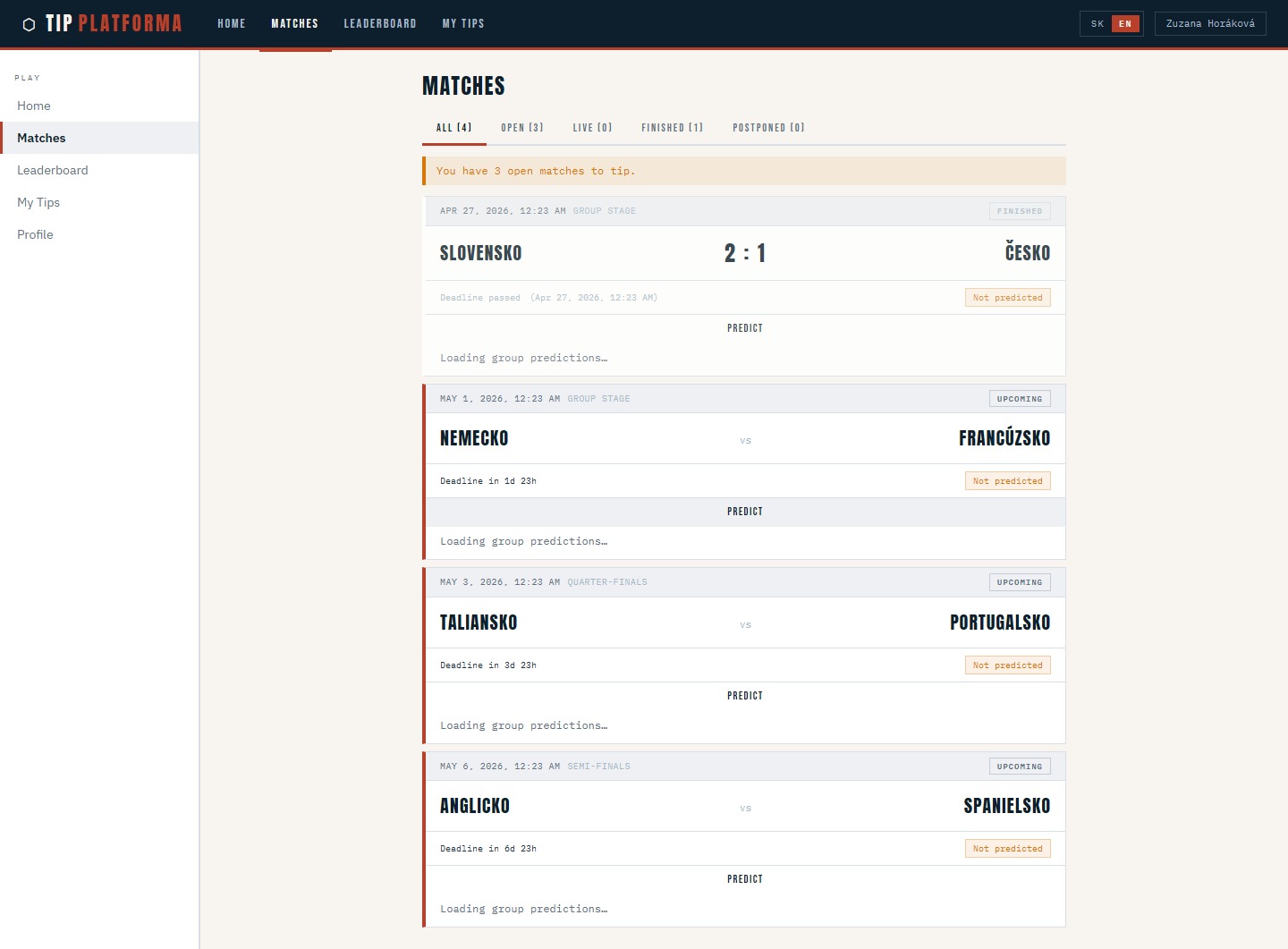
Klikni pre zvacsenie
Create a group and share its invite link
- Open My Groups from the sidebar
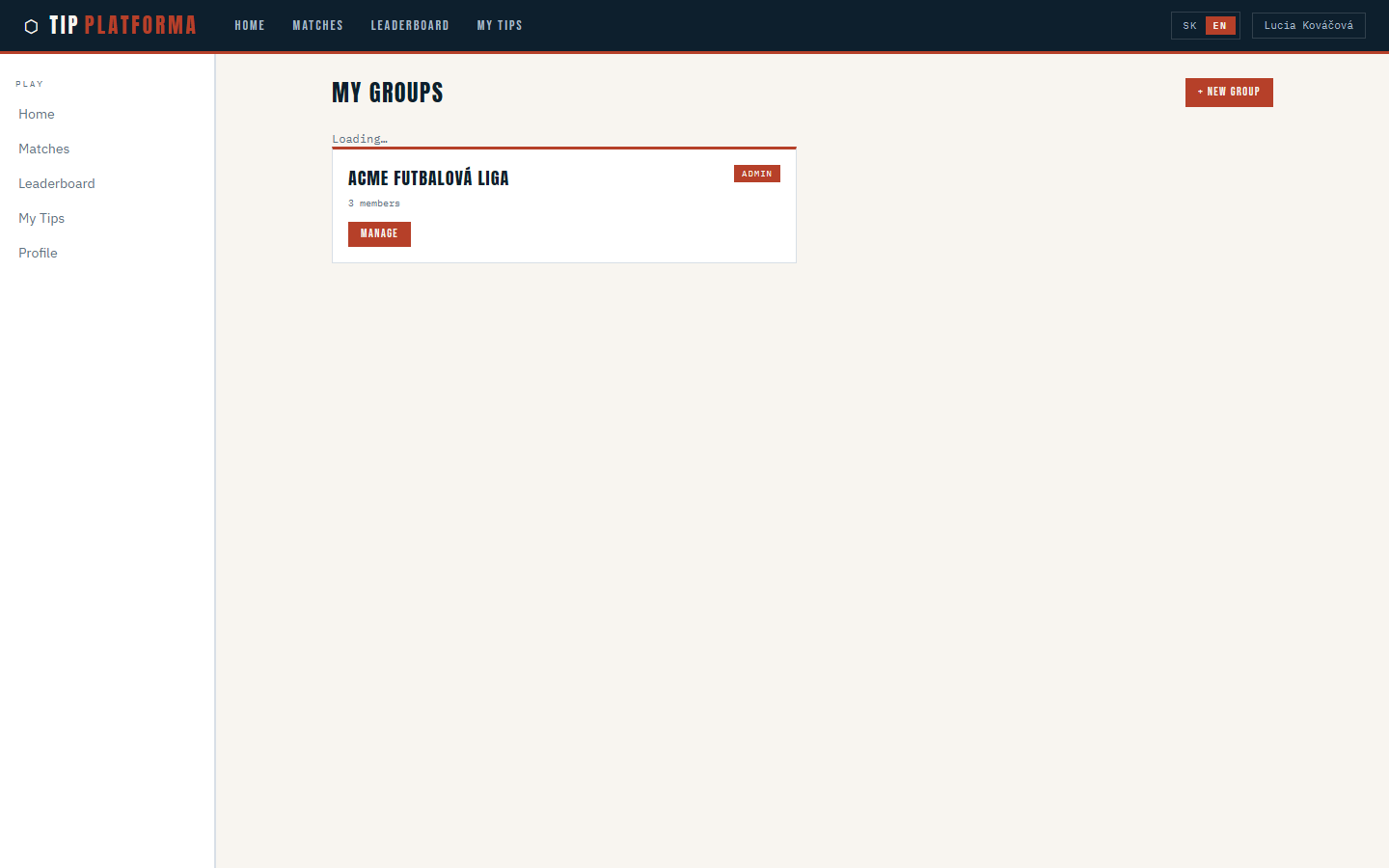
Klikni pre zvacsenie
- Start a new group
- Give the group a name and attach the tournament Martin published
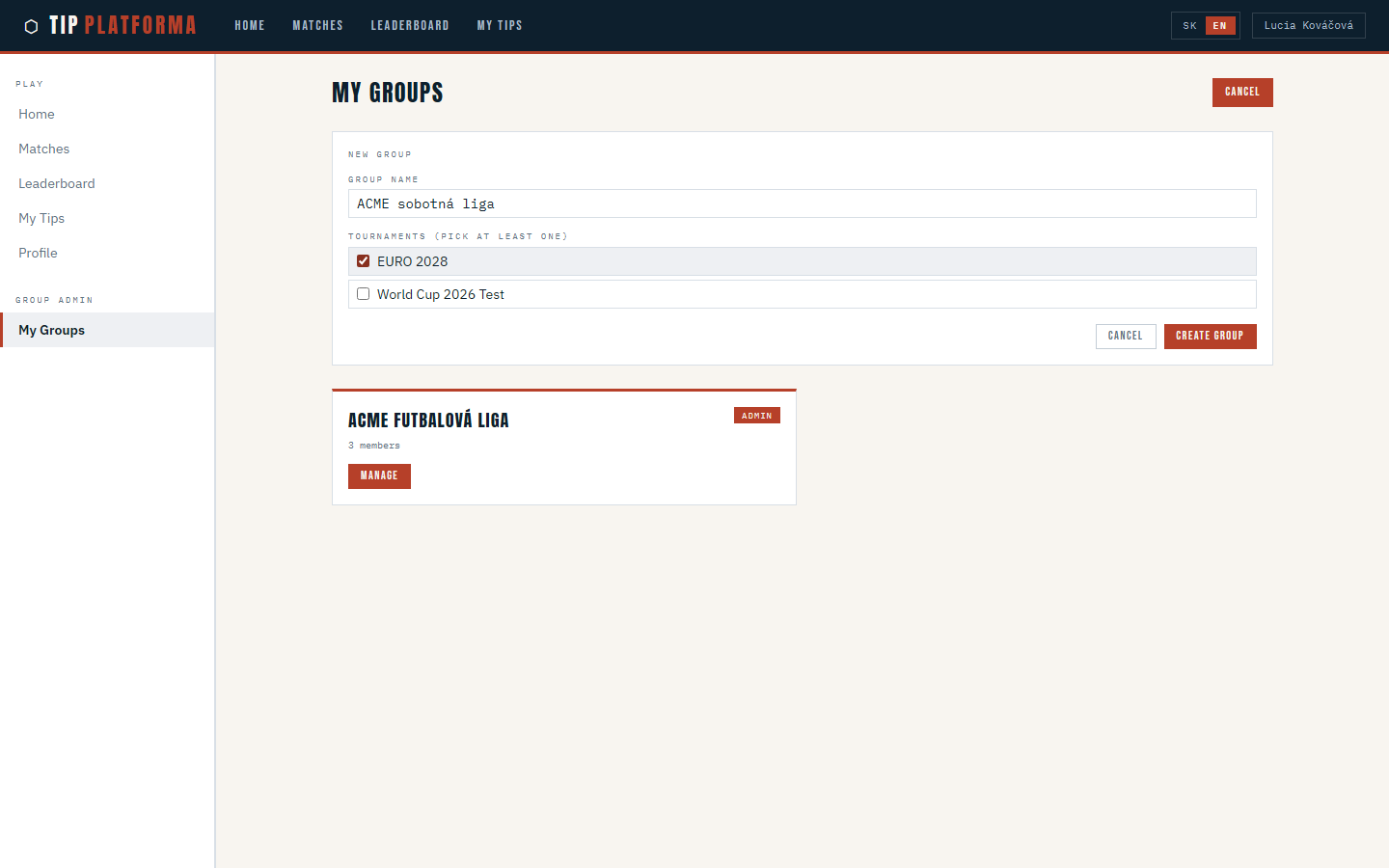
Klikni pre zvacsenie
- Save the group — you are now its admin
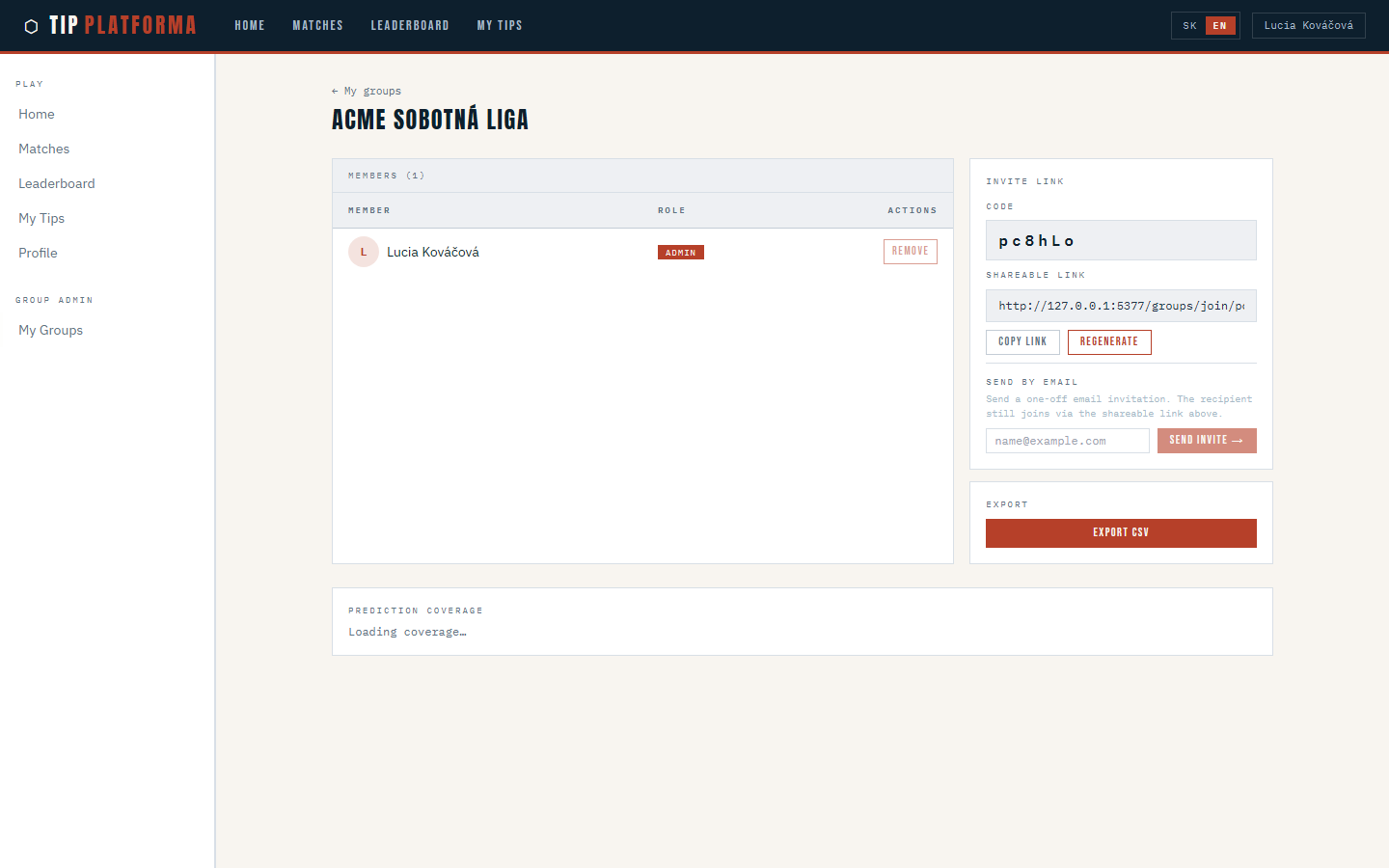
Klikni pre zvacsenie
- Open the group manage page and find the invite link
- Copy the invite link shown at the top of the page
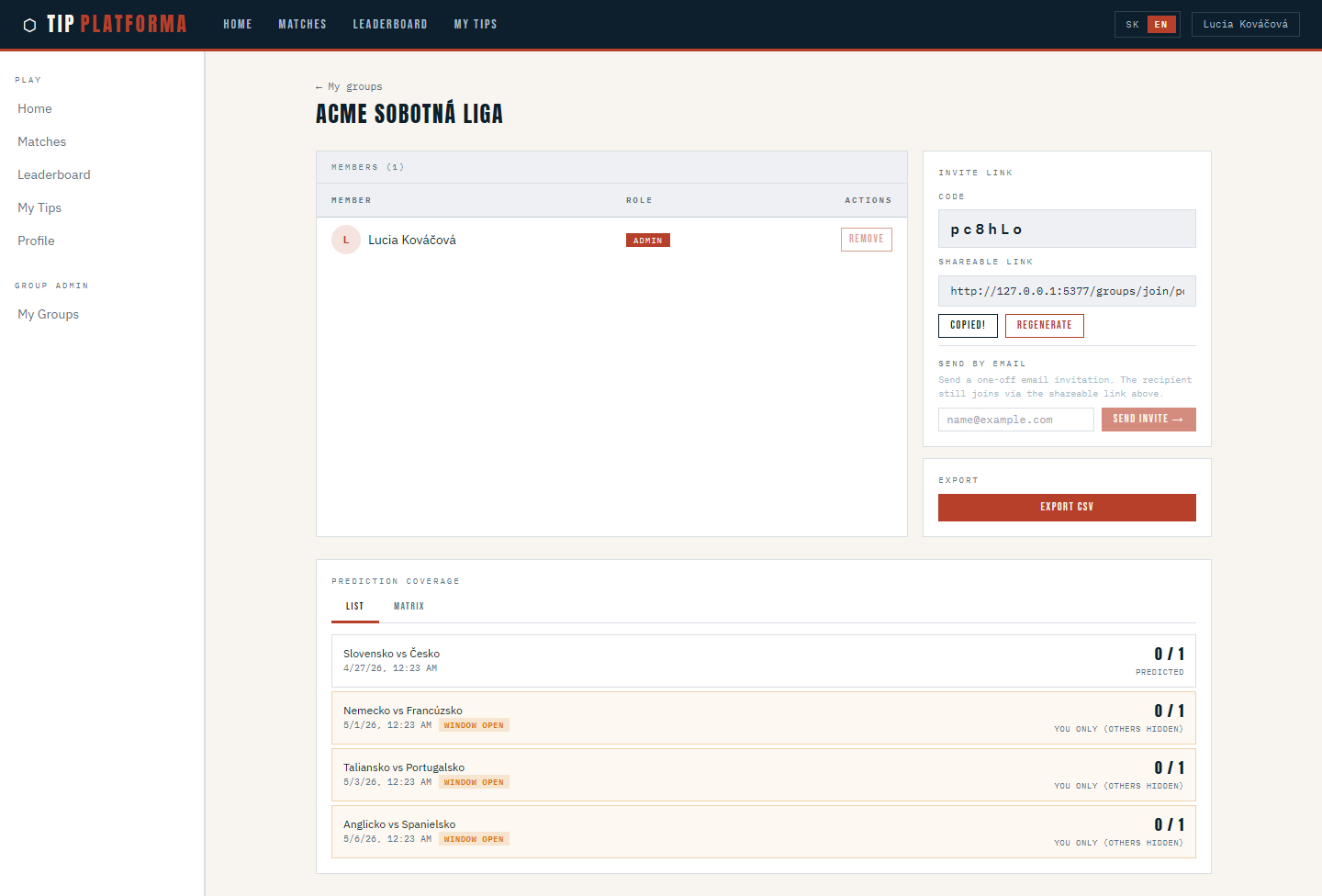
Klikni pre zvacsenie
- Share the link in your office chat so teammates can join themselves